A customer pointed out a problem with GIFs: in an in-person meeting, any GIF someone sends you plays for everyone around you. So in this update to Trillian for Windows, link previews and GIFs can wait until you click them.
Link previews, when you want them
Previews wait for a click
Three ways to show previews
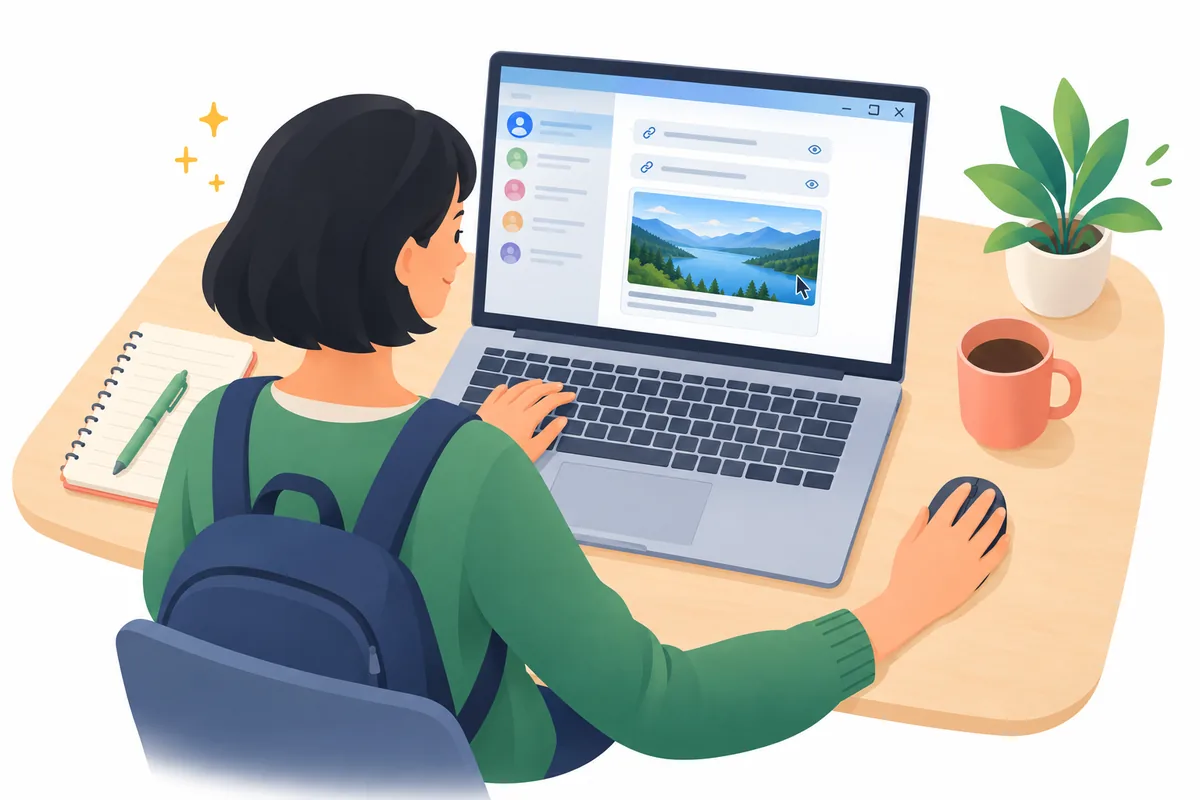
What used to be a checkbox for link previews is now a list with three choices, in Settings under Chat Windows: Show previews automatically, Click to show previews, and Show links only. With Click to show previews, a picture, GIF, or YouTube video from another site waits in the chat as a faint, labeled box, and Trillian loads nothing from that site until you click it.
After you've looked, Trillian hides it again once you scroll it out of view, or close and reopen the chat. The next time a GIF arrives mid-meeting, the people around you see a box where the GIF would be.
A few other changes
Initials without the title
Photos and files people send through Trillian now show up even with link previews off. Tenor links show as plain links, and the GIF browser uses KLIPY. Contacts without a picture get initials that skip titles, so Dr. Priya Shah gets PS.
Of the 11 fixes, several started as customer reports. Custom emoji Business at the start of a message are now the same size as the rest of the line, and typing a slash command no longer sends your organization's disclaimer Business. The Trillian bot Business no longer shows up under your teams in the contact list. Search no longer hides contacts behind channels with similar names, and in the dark theme, the scroll-down arrow and the links in dialog boxes are no longer too dark to see.